 Odyssey
 Any number of tracks
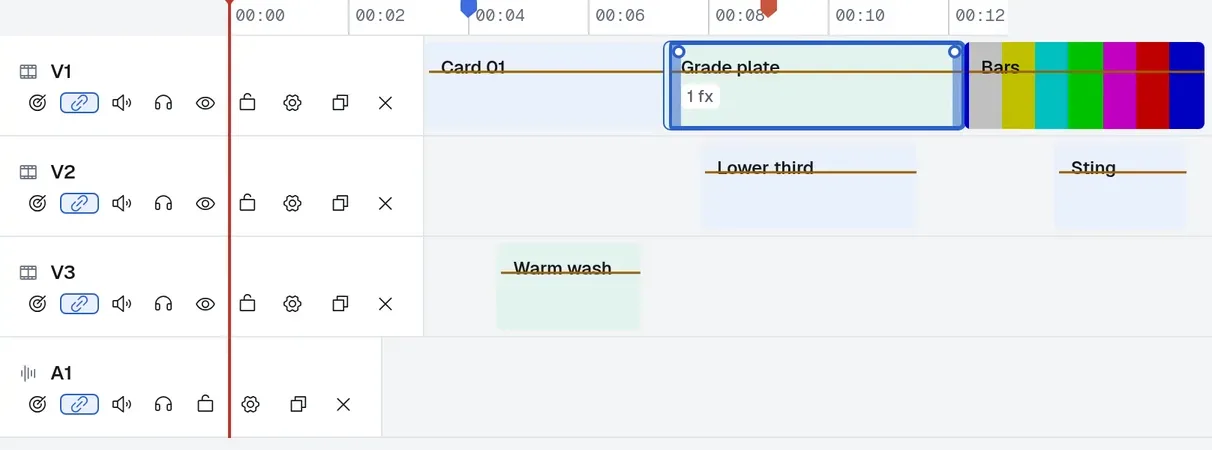
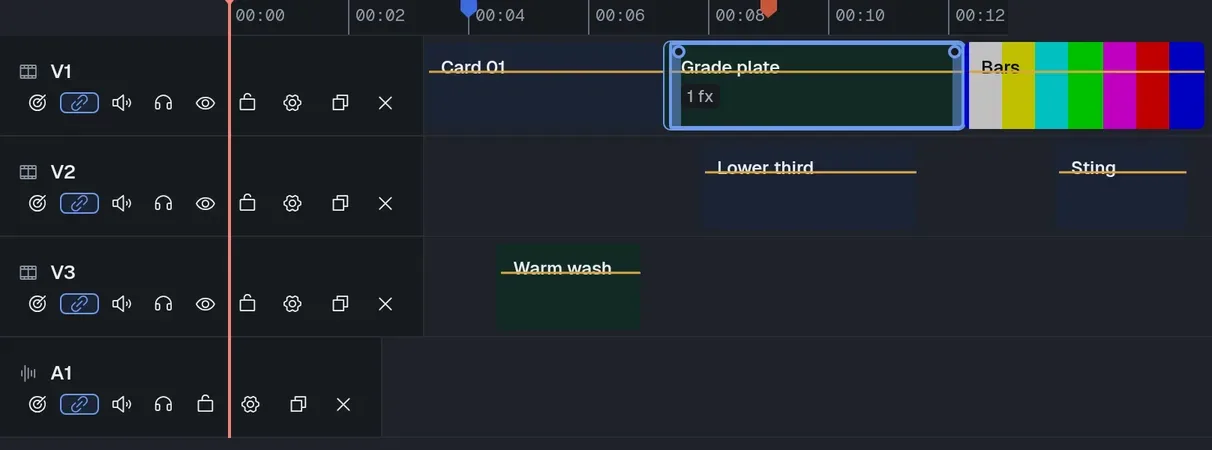
Clips sit at absolute positions, so a gap is a real gap. Drag to move in time or between tracks, drag an edge to trim.
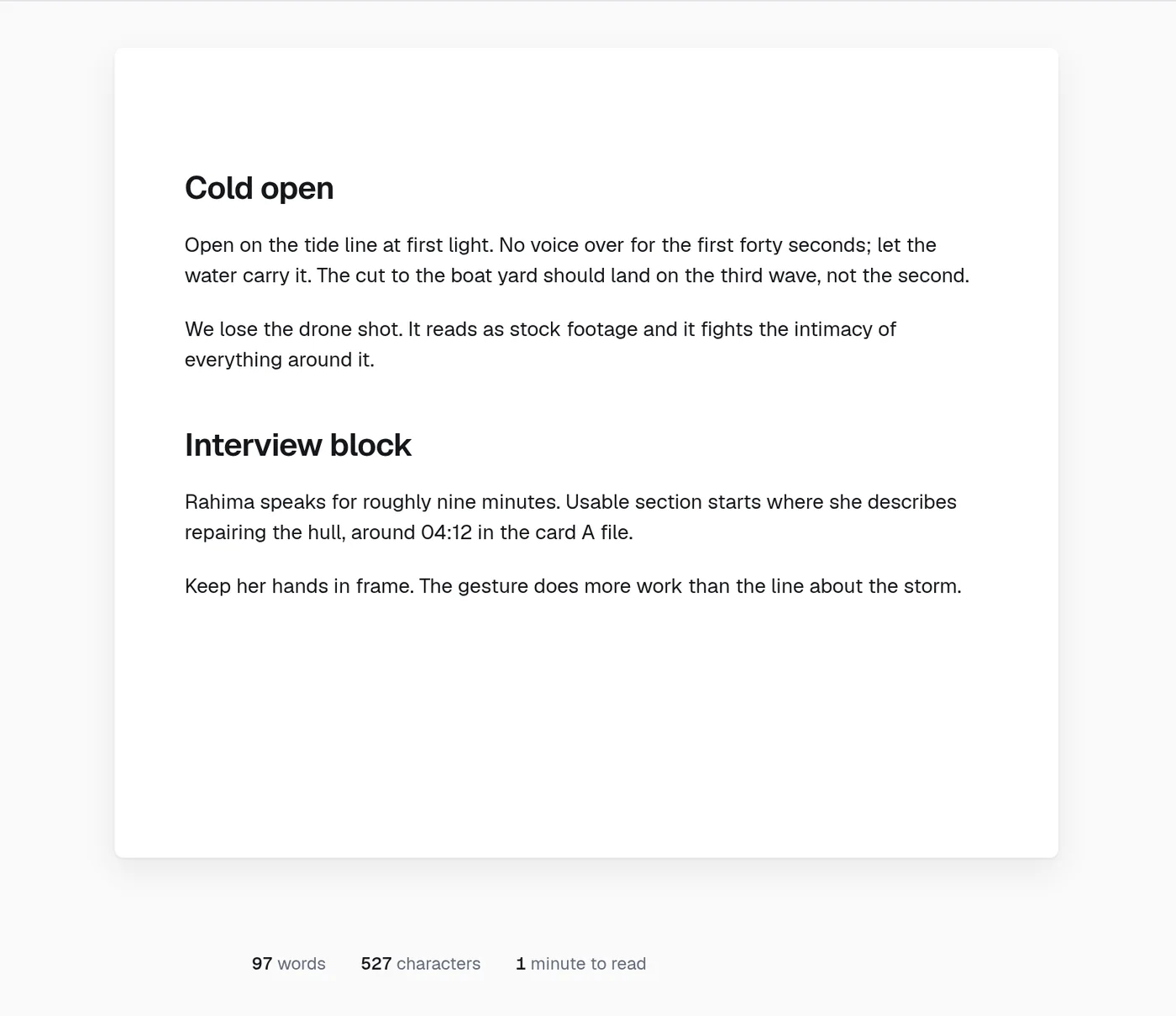
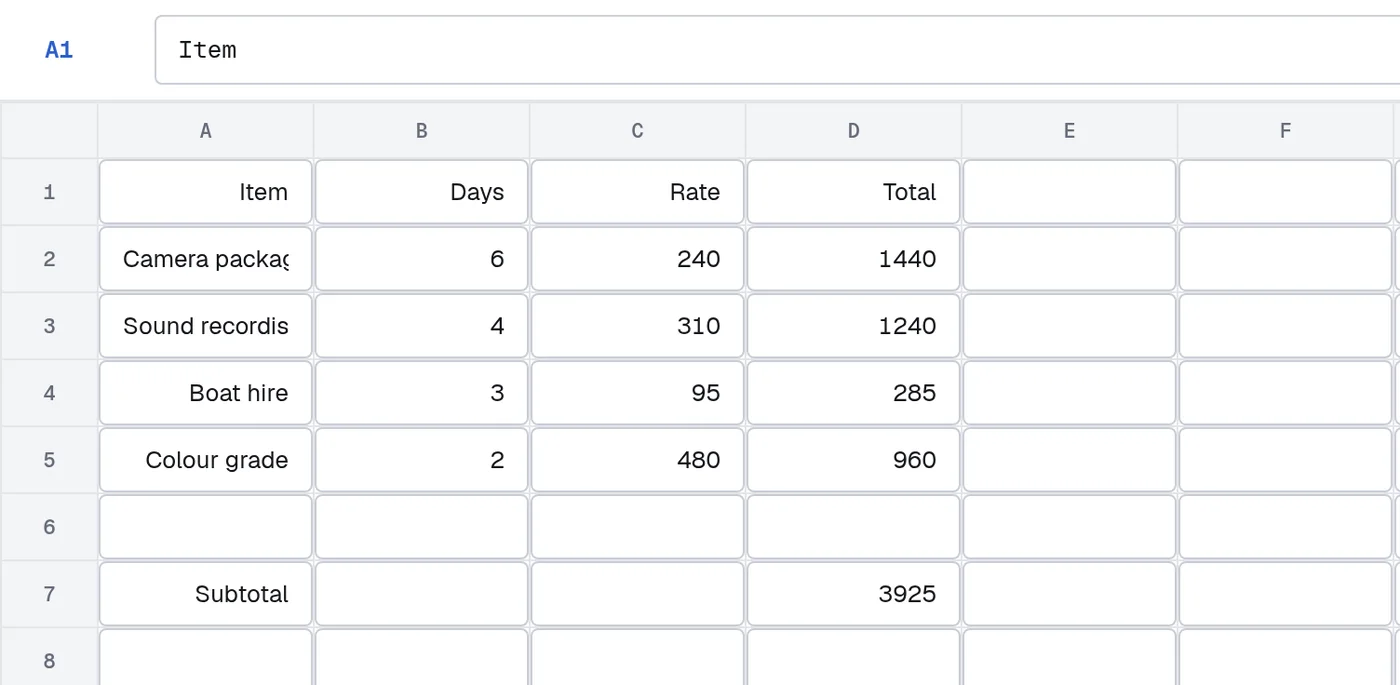
Documents, spreadsheets, decks and a real ffmpeg video timeline, in one desktop app that keeps everything on your machine.
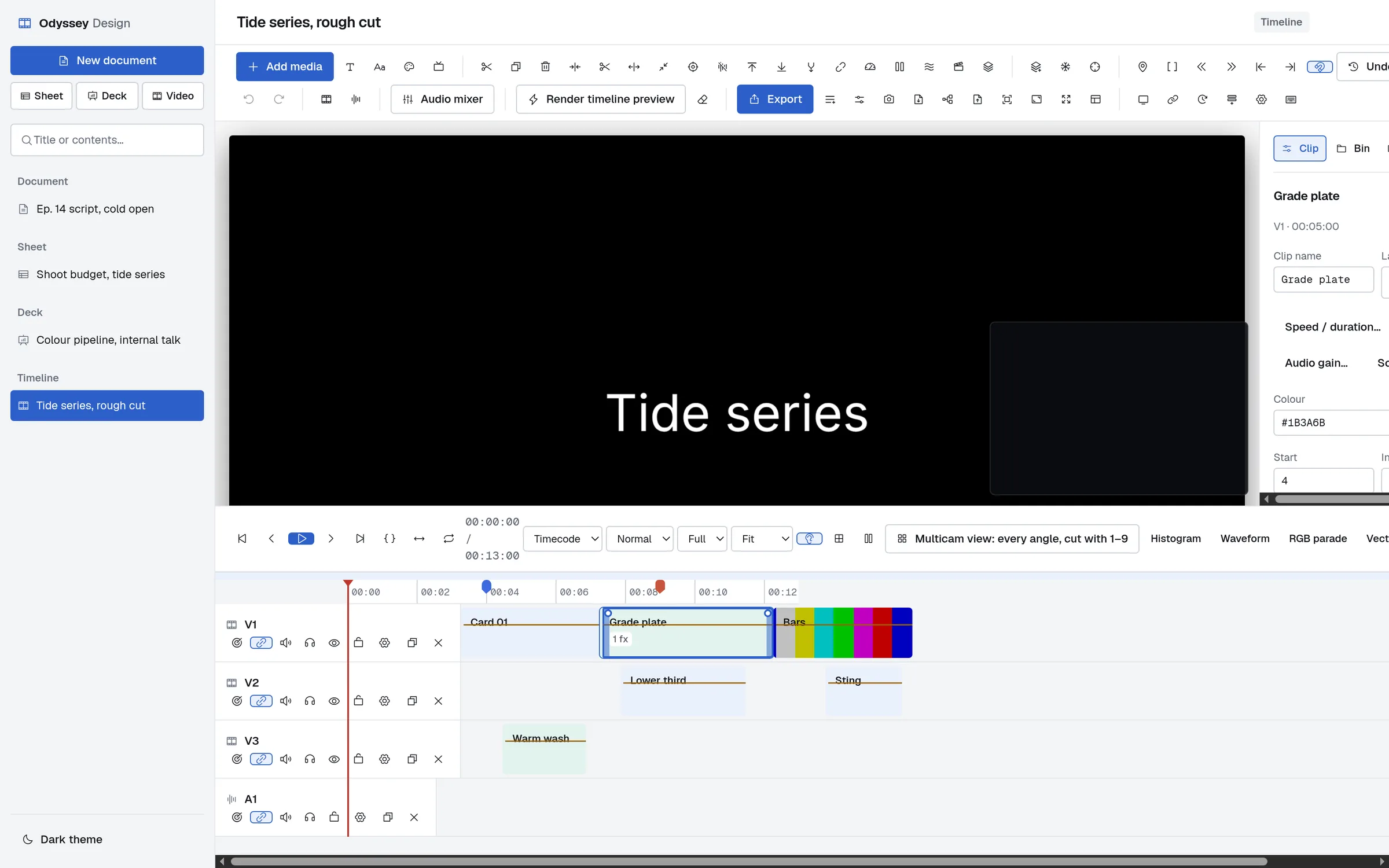
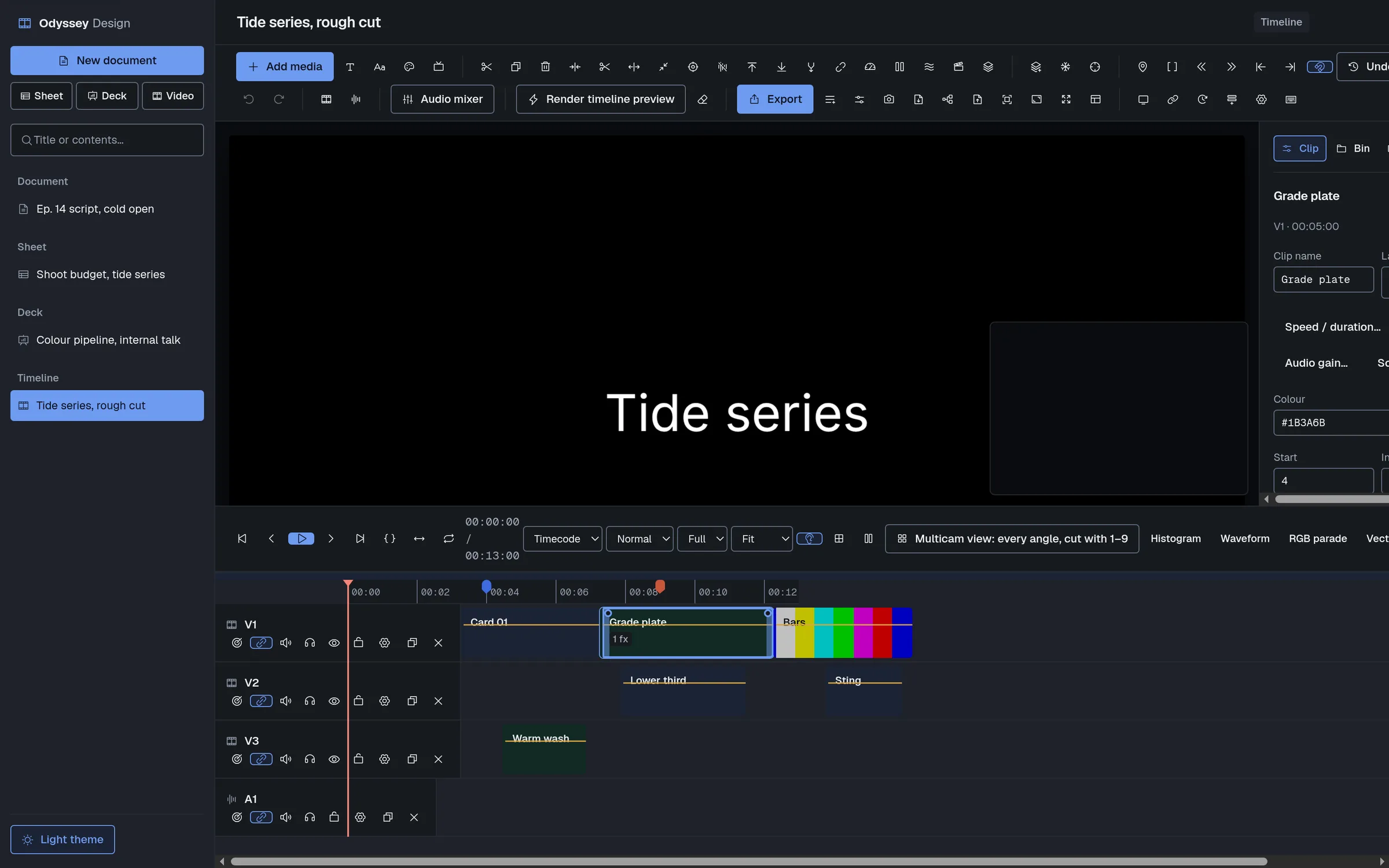
Documents, sheets, decks and timelines are one kind of record viewed four ways. A new editor is a new kind, not a new table.
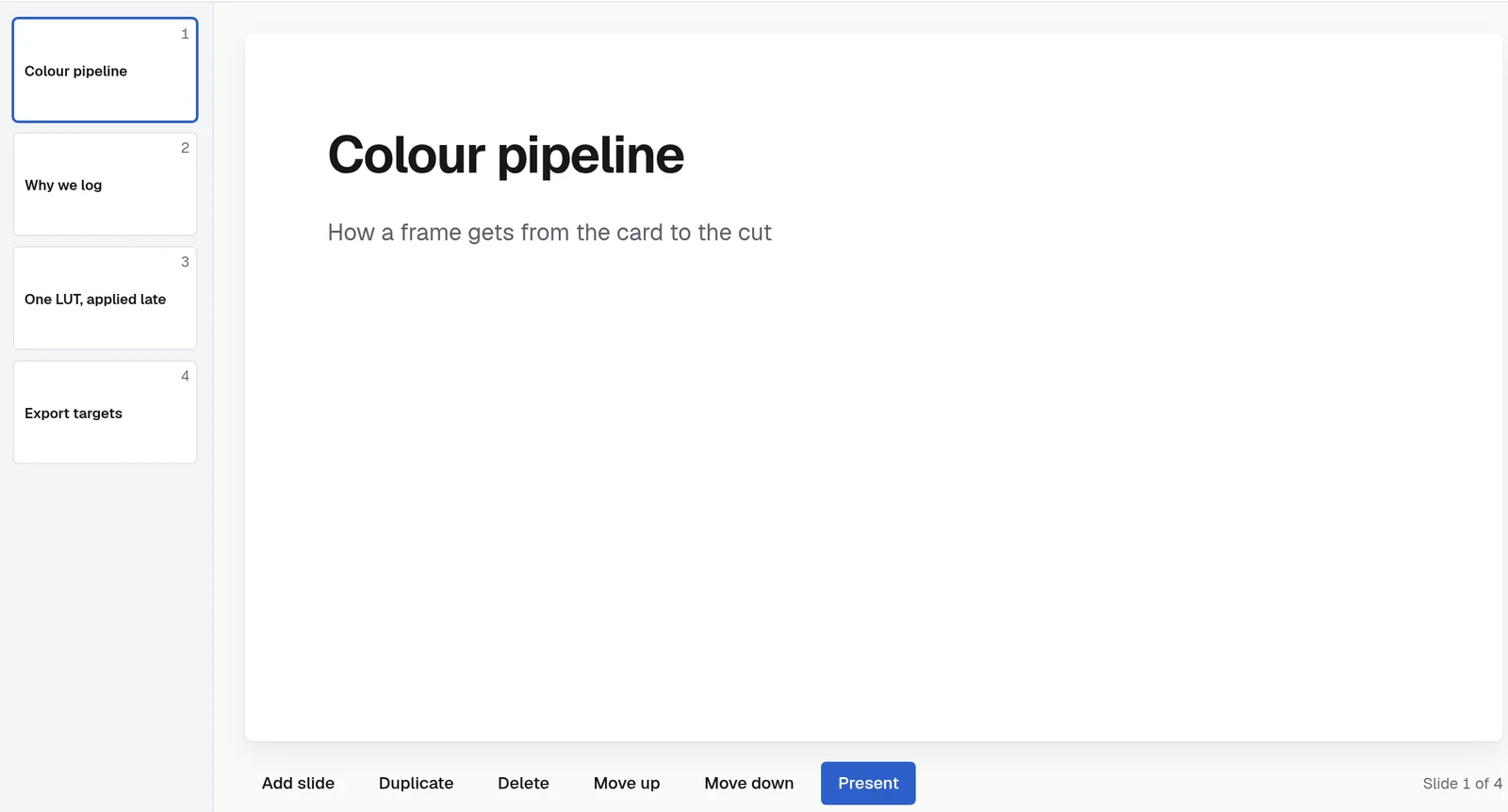
A multi-track non-linear editor written from scratch against ffmpeg. Every render is an argument vector you can print and read.
Clips sit at absolute positions, so a gap is a real gap. Drag to move in time or between tracks, drag an edge to trim.
native effects across colour, image, stylise, geometry, keying, repair and audio, plus every frei0r plugin on the machine.
Every numeric parameter keyframes. Each effect card says which route it took.
A live canvas compositor plays every visible track in order. Proxies keep 4K scrubbing responsive; the renderer never uses one, and a test enforces it.
Left out, burned in after compositing, or carried as a selectable track.
Keyframe it and the clip ramps. Audio follows video through the ramp.
There is no account to make and no server to reach. Every item lives in one SQLite file you can copy, back up, or open with any SQLite tool.
Installing, upgrading and removing the app never touch that file.
items     id, kind, title, body, data(JSON),
          due, project, timestamps

links     src -> dst, rel
          embeds and backlinks, both directions

sessions  item_id, start, end
editing sessions, the basis for historyOne self-contained file on Linux, or your own package manager. Nothing to compile, and no Rust or Node needed to install.
A single .run file carrying a prebuilt binary. It verifies
its own checksum, opens a wizard, checks for the libraries it needs and
offers to fetch any that are missing through your own package manager.
chmod +x OdysseyDesign_0.1.0_Linux.run
./OdysseyDesign_0.1.0_Linux.run
Installing just for you goes to
~/.local/opt/odyssey-design and needs no password.
All users goes to /opt/odyssey-design and
asks for one. On a machine with no desktop session,
--text runs the same wizard in the terminal.
Two AUR packages. odyssey-design-bin unpacks the released
binary. odyssey-design-git builds from the current commit
and needs Rust and Node.
yay -S odyssey-design-bin
paru -S odyssey-design-git
ffmpeg is a hard dependency and carries the renderer. Install
frei0r-plugins as well for the extra effect library, and
gst-libav to play H.264 sources directly in the preview.
Through winget or Scoop, both reading the same signed release artifacts.
winget install Fs1lyric.OdysseyDesign
scoop bucket add odyssey https://github.com/Fs1lyric/scoop-odyssey
scoop install odyssey-design
Not published yet The manifests are in the repository and the release workflow builds the Windows artifacts, but nothing has been submitted to winget or Scoop yet. Until it is, these commands will not resolve.
A Homebrew cask from the project tap, for Apple silicon and Intel.
brew tap fs1lyric/odyssey
brew install --cask odyssey-design
Not published yet The cask is in the repository and the release workflow builds the disk images, but the tap has not been published yet. Until it is, these commands will not resolve.
Requires Rust, Node, webkit2gtk and GTK 3. The video editor also needs ffmpeg and ffprobe on your path.
git clone https://github.com/Fs1lyric/odyssey-design
npm install && npm run tauri dev
The Rust suite includes end-to-end tests that generate real media with
ffmpeg, render actual projects and probe the results. Run them with
cargo test inside src-tauri.
Every file, with checksums, is on the downloads page.
This is a working first version, not a finished product. These limits are worth knowing before you install.
No accounts, no sharing, no presence and no sync. That is the design, not a gap waiting to be filled.
Crop, rotate, chroma key, vignette, masks and most colour work play live. frei0r plugins, LUTs, temporal filters and nested sequences show ffmpeg's exact frame while the playhead rests.
The test suite runs against webkit2gtk and GTK 3. Windows and macOS builds exist in the release workflow but have not had the same use.